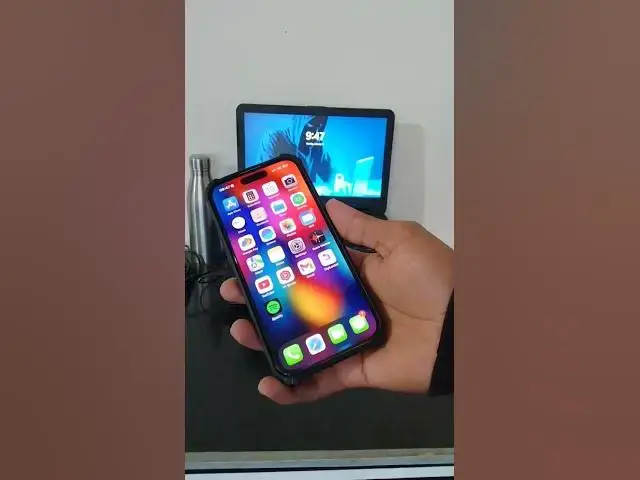

Lock your iPhone by commanding Siri
Jan 19, 2025

You can lock your iPhone using Siri with a simple command. Here's how:
1. Activate Siri: Say, "Hey Siri," or press and hold the Side or Home button (depending on your device model).
2. Give the command: Say, "Lock my screen."
Once you give this command, your iPhone's screen will lock instantly.
If Siri responds that it can't perform this action, ensure your iPhone is updated to the latest version of iOS, as the functionality may vary with iOS versions.
--------------------------------------------------------------------------
Join this channel to get access to perks:
https://www.youtube.com/channel/UCb3YS6TPaRWJPXsi0Lut3yA/join
Instagram https://www.instagram.com/_onteque/
Facebook https://www.facebook.com/onteque
Blogger-1 https://onteque.blogspot.com/
Blogger-2 https://thebioticworld.blogspot.com/
Blogger-3 https://aatmjivani.blogspot.com/
Blogger- 4 https://toolae.blogspot.com/
----------------------------------------------------------------------
lock iPhone with Siri, Siri lock screen command, iPhone screen lock with Siri, Siri commands for iPhone lock, how to lock iPhone using Siri, lock iPhone via voice, screen lock with Siri, iPhone Siri commands, Siri screen lock feature, lock iPhone hands-free.
#iPhoneTips #SiriCommands #TechTips #iPhoneHacks #SiriFeatures #ScreenLock #AppleTips #VoiceCommands #SmartphoneTips #iPhoneTricks #SiriShortcuts #iOSFeatures #TechSavvy #iPhoneUsers #HandsFreeControl
Show More Show Less